

Turn Scripts into Editable Comic Pages with AI
ComicFab is an AI comic generator for scripts and story ideas. Plan manga storyboards, reuse character references, arrange comic panel layouts, and edit dialogue before exporting your pages.
Plan the panels. Revise the story. Create the page.
Try a Manga Storyboard Before You Sign Up
Change a line of dialogue, select a panel, and compare real four-panel page templates. Open the full demo to edit notes, reorder panels, and save a local draft.
This is a prewritten example with fixed sketches, not live AI generation. No account or credits are required.
The sample script
At an empty station, a traveler notices an envelope on a bench. Inside is a note: “Take the last train. I will explain.” The departure bell rings. The traveler hesitates, then steps through the open door.
Edits in this preview last until you leave the page. Signing up opens a new project; the example does not transfer automatically.
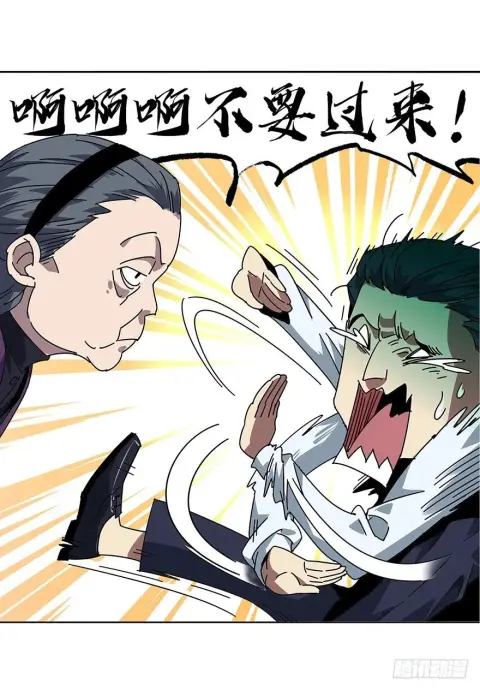
From script beats and dialogue to cinematic manga frames.
See an example of the studio workflow: review a script, plan panels, choose a page layout, then generate and edit artwork.
Illustrated workflow example. These steps use prepared content and do not run AI generation.
"The Last Dragon's Funeral" Episode 1 · Seven Copper Coins
Seven copper coins, lined up neatly on the table. Alder tapped the cold metal with his fingertips: "Two days of room and board."
Across the office, Director Edwin was sipping hot tea with biscuits: "Think of it as an autumn excursion. The maple leaves on the north slope are in full crimson."
Alder looked out the window and closed his fist around the coins: "In this department, I'm the only one who does actual work. ...Very well. I leave first thing tomorrow."
Comic Panel Layouts You Can Keep Editing
Build paged comics and manga with editable frames, dialogue, and artwork. Plan the page structure first, then refine each panel as your story develops.
58 page templates, with room to revise
Choose layouts for conversations, action, close-ups, or simple sequences. Change the panel shapes and spacing to suit your scene.
- Use the same template library in the free layout tool and full studio.
- Review page rhythm and reading order before generating artwork.
- Regenerate an individual image without regenerating every image on the page.
New projects currently use paged comics. Vertical-scroll Webtoon creation is not currently available.
Try the free panel layout tool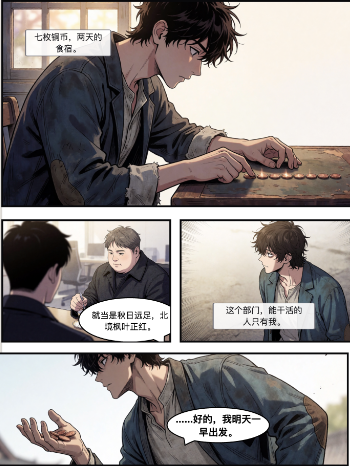
Keep Control of Panels, Artwork, and Dialogue
Plan pages, reuse character references, regenerate individual images, and refine lettering in the same workspace.
Reusable character references
Reuse face, body, and outfit references across panels. Review generated images for continuity; references help, but do not guarantee identical characters.
Vector Balloons & SFX
Edit dialogue, thoughts, captions, and sound effects as separate overlays. Review the placement and move them to keep the artwork readable.
Editable paged comic layouts
58 layout templates for paged comics, with room to adjust each page. New vertical-scroll Webtoon projects are not currently available.
Regenerate an individual panel image
Edit a panel description and regenerate its image without regenerating every image on the page. Adjust page geometry separately in the layout editor.
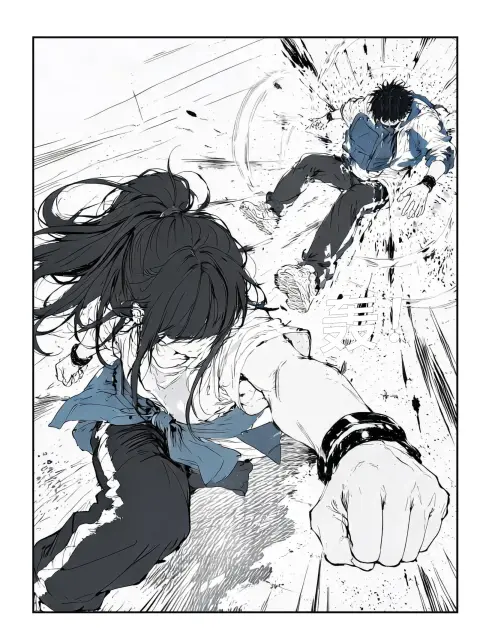
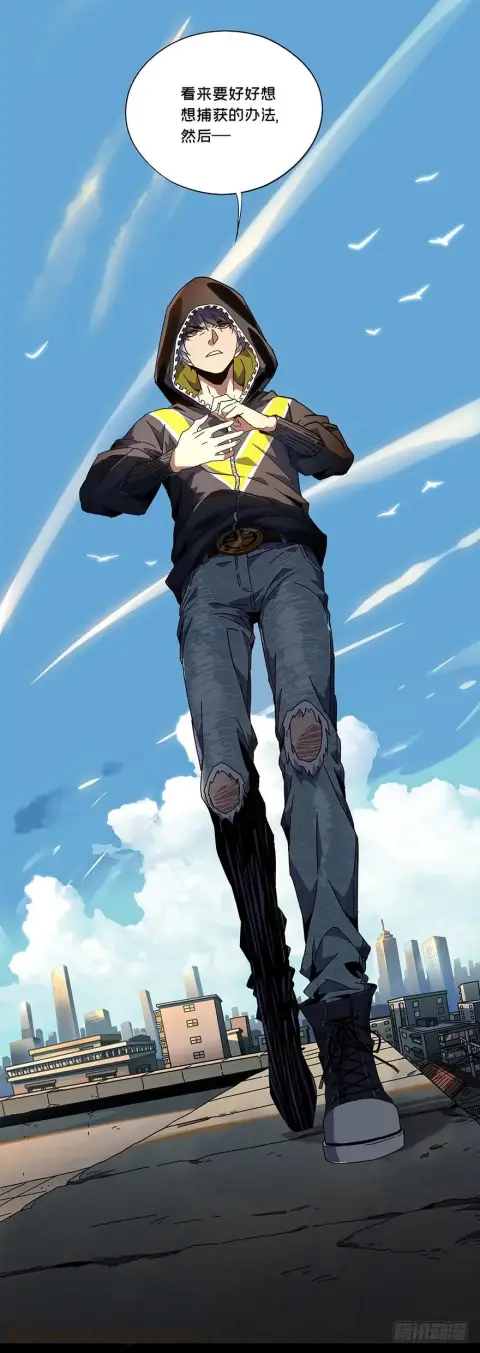
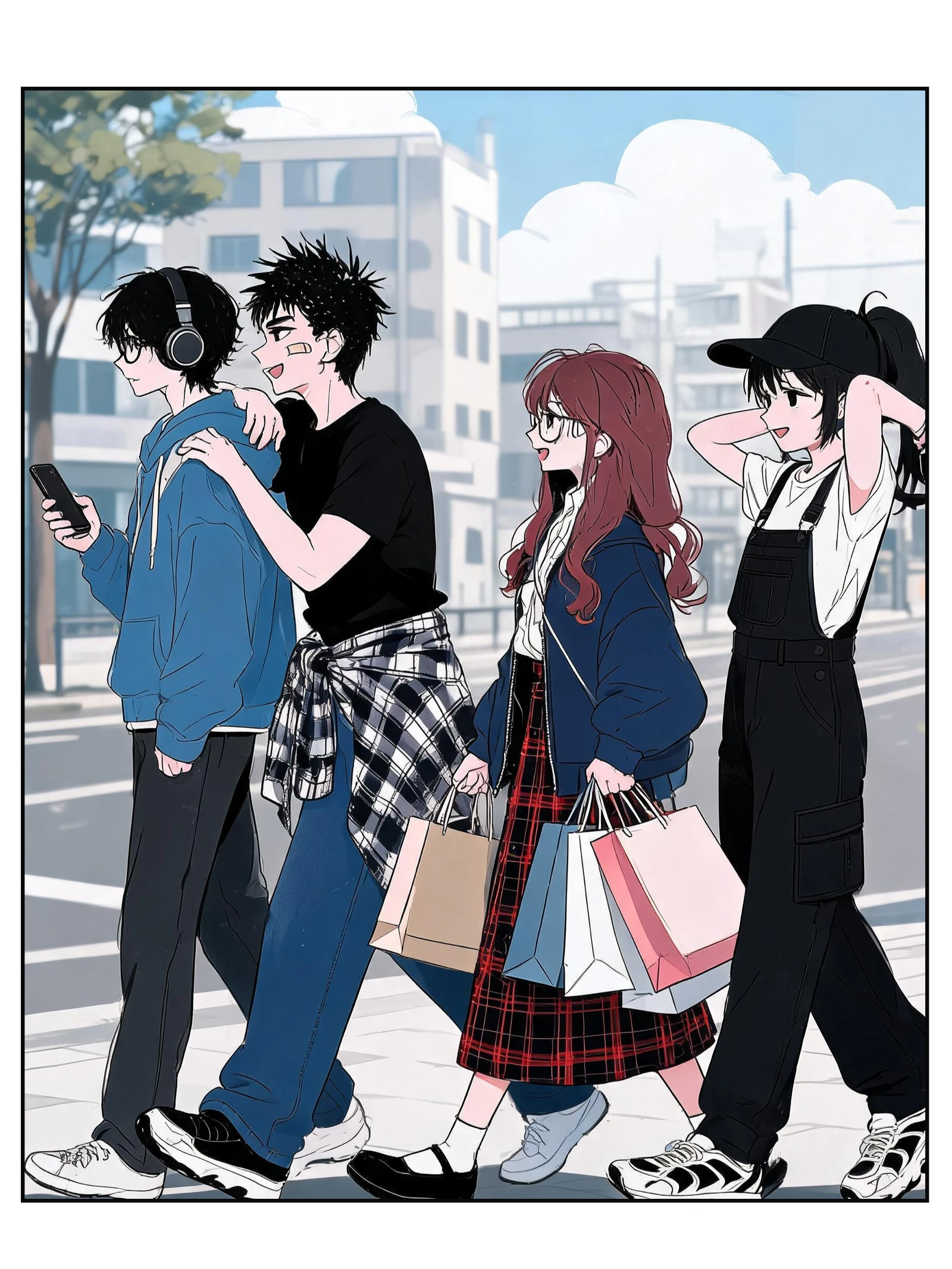
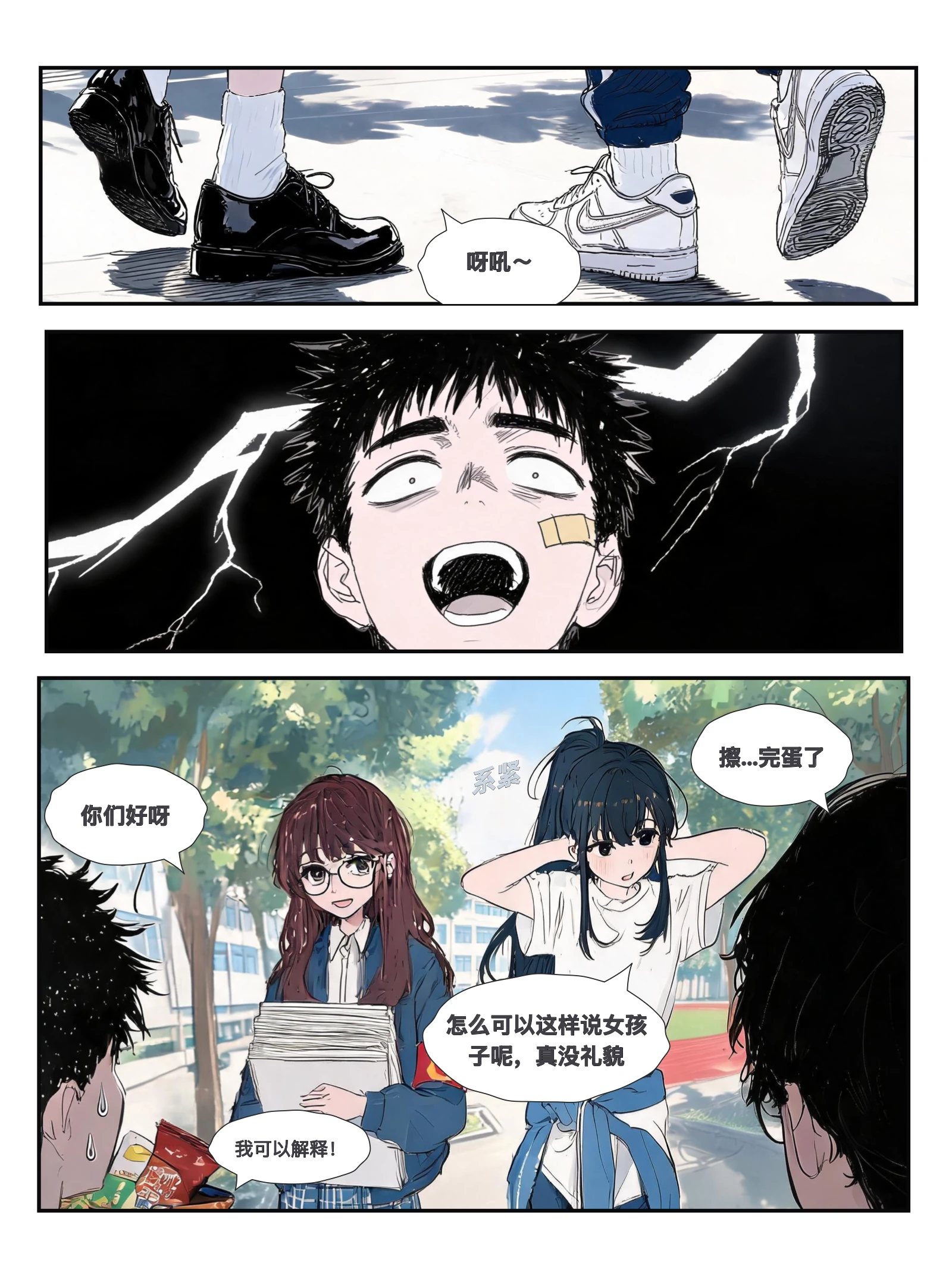
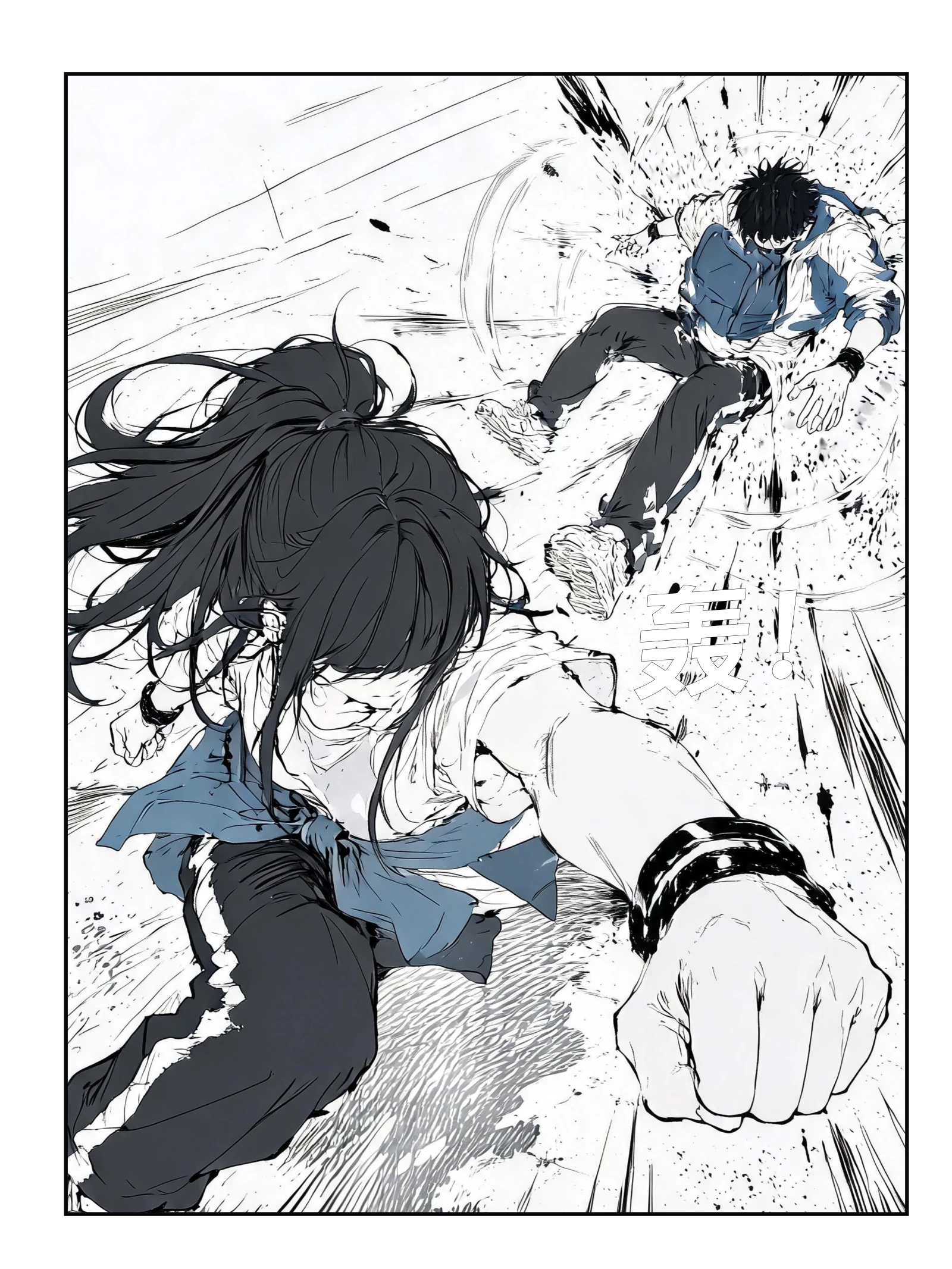
From quiet moments to an action climax

A Comic Workflow in One Workspace
Compare the steps you would manage across separate tools with the controls available in ComicFab.
Everything You Need to Know About AI Comic Creation
How scripts, character references, page layouts, and credits work.
01Can I create comics without drawing skills?
02Can I use my comics commercially?
03How do character references help across panels?
04What does the full comic studio include?
05Which comic formats are available?
06How do credits work, and do they expire?
Review your comic before sharing
Review generated artwork, lettering, and the rights to your input materials. Read our terms and privacy policy before uploading a script or reference image.
Direct the panels. Then watch them come alive.
Bring your script, plan the panels, and refine the artwork and dialogue in one comic workspace.